Creating the Best TODO app With the Django Master [pt.1]
![Creating the Best TODO app With the Django Master [pt.1]](https://cdn.hashnode.com/res/hashnode/image/upload/v1703699025545/ab110c22-901d-45f1-926d-a62d44ebdca2.png)
There are always 2 ways to do something in Django. They are
- Django Master's WAY
- WRONG WAY
This will be a Multipart Blog, this part we will be looking at the M of MVT architecture which is Models.
I will dominate Django Very Hard with No Mercy. In this Blog we are going to create a Database to store our Todo tasks in and perform CRUD operations in that data with the help of Django's default Admin Panel
Create virtual environment.
Activate the virtual environment.
Install Django in the environment.
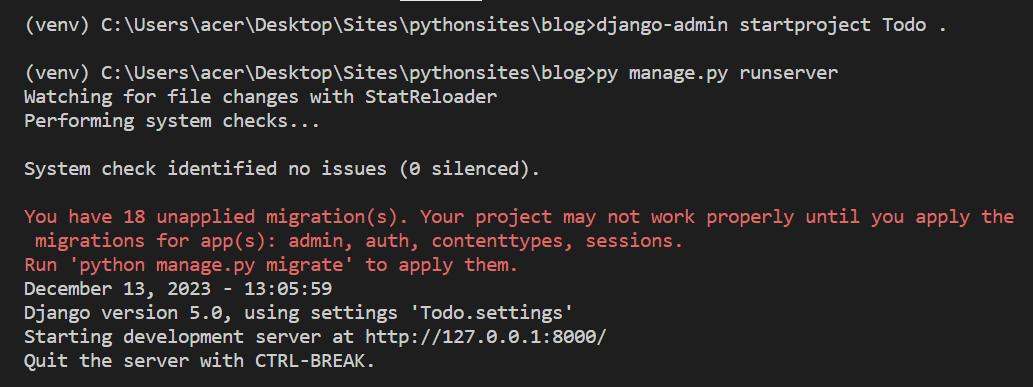
Create a Django Project named Todo.
run the Django server
Create an app named home & add home to the installed apps list in settings.py
django-admin startapp homeCreate the Model (database) for the Task
 from django.db import models

 # Create your models here.

 class Task(models.Model):
     title = models.CharField(max_length=200)
     complete = models.BooleanField(default=False)
     created = models.DateTimeField(auto_now_add=True)
     expires = models.DateTimeField(auto_now_add=False,blank=True,null=True)

     def __str__(self):
         return self.title

     @property
     def is_complete(self):
         return self.complete
Add the Model in the Admin Panel by adding it to the admin.py file
 from django.contrib import admin
 from .models import Task

 # Register your models here.

 admin.site.register(Task)
Make migrations, migrate and Create superuser
 py manage.py makemigrations
 py manage.py migrate
 py manage.py createsuperuser
Run the Server and go to admin panel.
py manage.py runserver
goto https://localhost:8000/admin
login to admin panel and you should see the Tasks under the Home section. Click on Tasks and do CRUD operations.
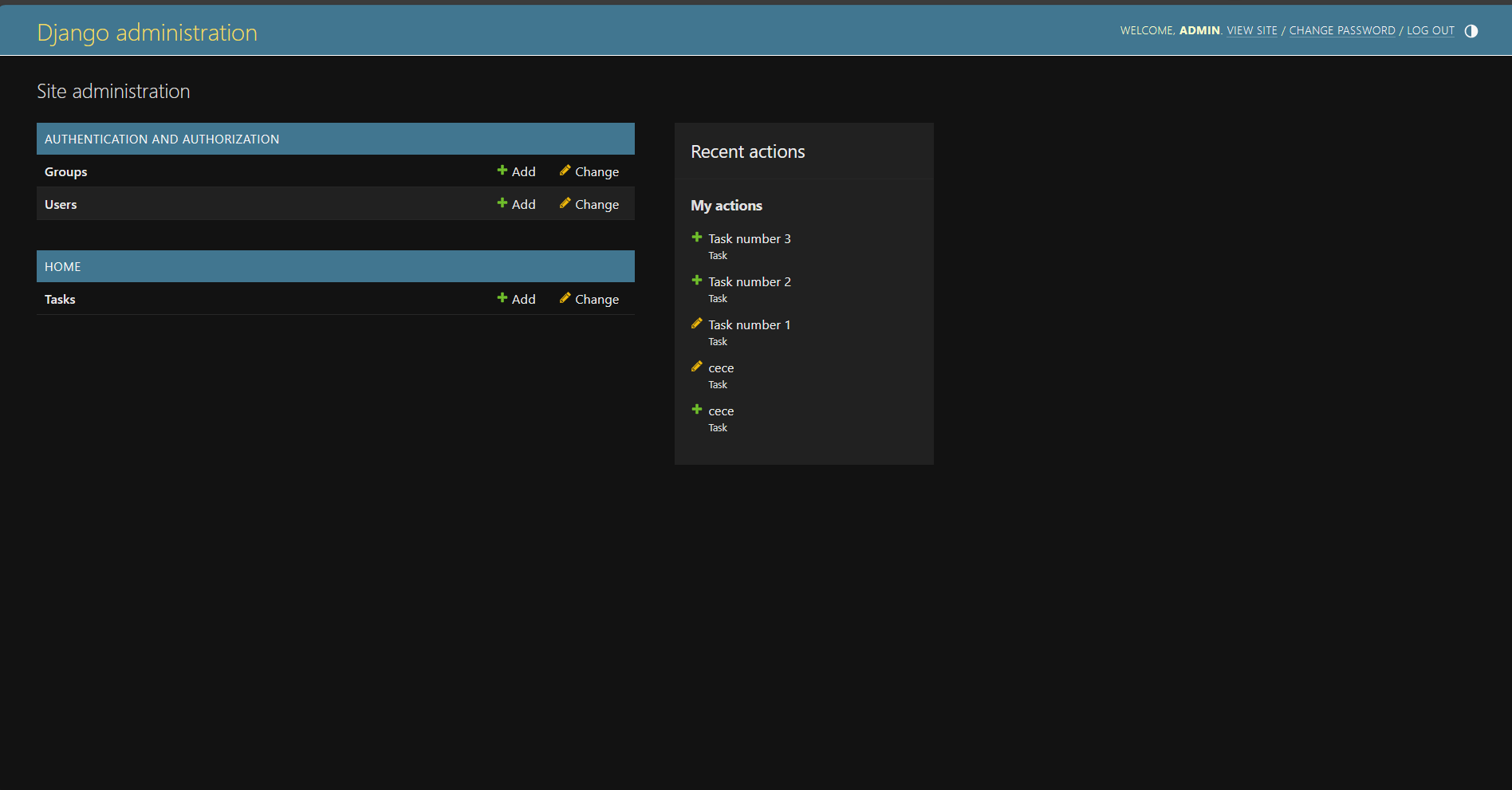
Congratulations! You've successfully created the database for The Best Todo app ever.
You've completed 2/900 steps of becoming a Django Master
In next Blog, we'll be looking at the V part of MVT architecture